Workspace + Open Editors
Open a folder as a workspace, navigate its files, keep multiple documents open, resize the Editors sidebar from compact to wide, and restore your session when you return.
NType is a free native Windows text and code editor with workspaces, syntax highlighting, drag and drop, powerful text tools and a private, local-first design.
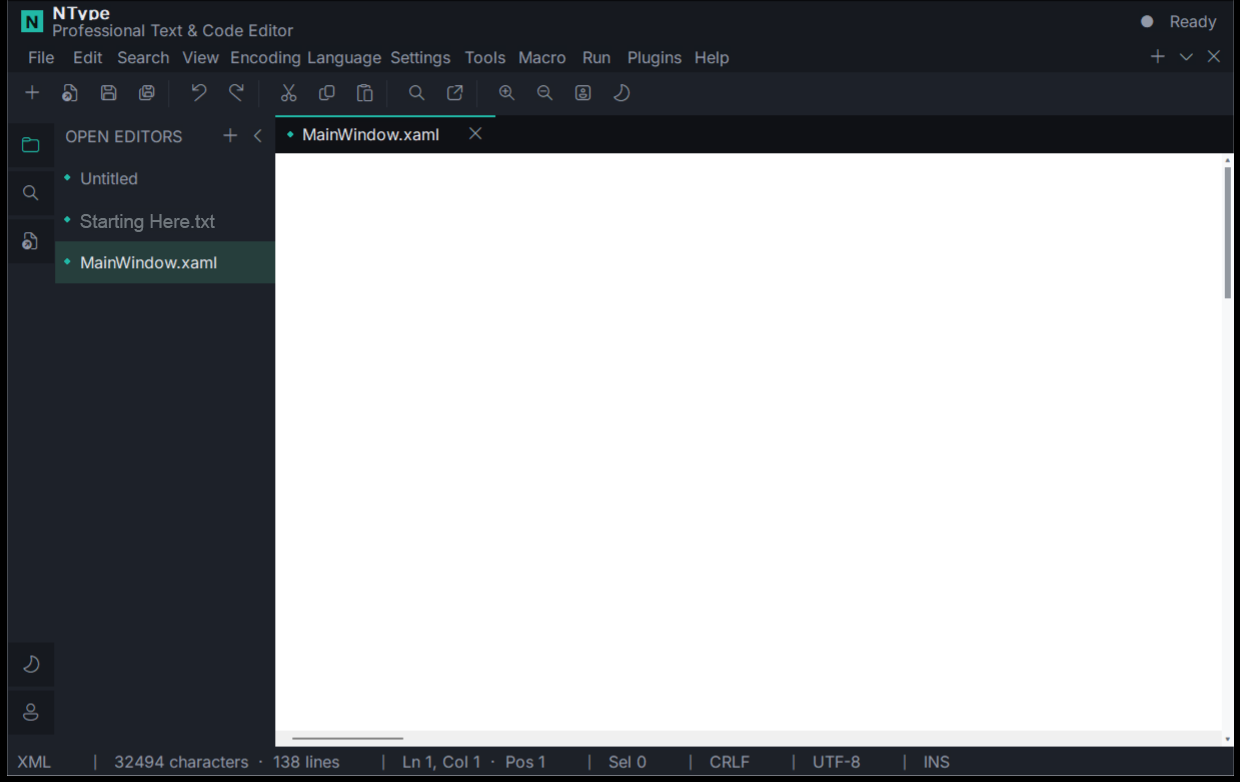
NType stays close to the Windows desktop while giving everyday text and code work the features it deserves.
Open a folder as a workspace, navigate its files, keep multiple documents open, resize the Editors sidebar from compact to wide, and restore your session when you return.
Drop files from Explorer into NType, or drag saved documents from NType back to Explorer or the desktop.
Built-in language support includes C/C++, C#, CSS, HTML, Java, JavaScript/TypeScript, JSON, Markdown, PHP, PowerShell, Python, SQL, TeX, Visual Basic and XML/XAML.
Work with UTF-8, UTF-8 BOM, UTF-16 LE/BE and ANSI, plus Windows CRLF, Unix LF and classic CR line endings.
Find/replace, line sorting, trimming, comments, case conversion, folding, word wrap, full screen, distraction-free mode, hashes, Base64, URL and HTML conversion.
Record and replay editing macros, run the current file, open selected file paths, and optionally add NType to the Windows Explorer context menu.
The NType editor is designed to work locally. It contains no telemetry, analytics, advertising, cloud sync or account system, and the editor itself does not require network communication.
Read the privacy policy →The public NType download is a stable signed bootstrapper. It reads the current release manifest, downloads the published setup, verifies its SHA-256 digest and pinned Authenticode signer, then starts the installer.
Download the stable NType bootstrapper for Windows x64. It automatically retrieves and verifies the current stable setup.
 Download NType
Signed Windows bootstrapper
Download NType
Signed Windows bootstrapper
Yes. The current NType Windows release is available free of charge and does not require an account or subscription.
The main download is the stable NType bootstrapper. It securely retrieves the current setup release, verifies it, and then launches installation. This lets the same download link stay valid when newer releases are published.
The editor itself is local-first and does not provide cloud sync, telemetry or an account system. Your document content is not uploaded by the NType editor.
Yes. NType can open a folder as a workspace, keep multiple documents open, switch between them, and restore the editing session.
NType is built for modern 64-bit Windows systems, including Windows 10 and Windows 11.